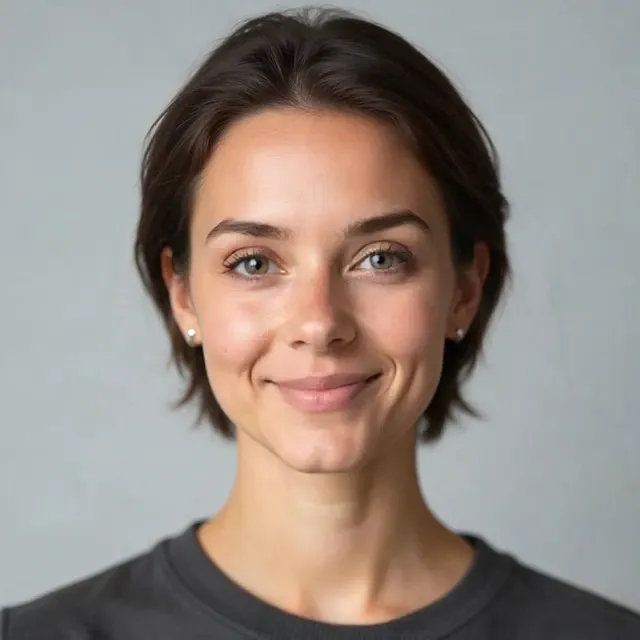
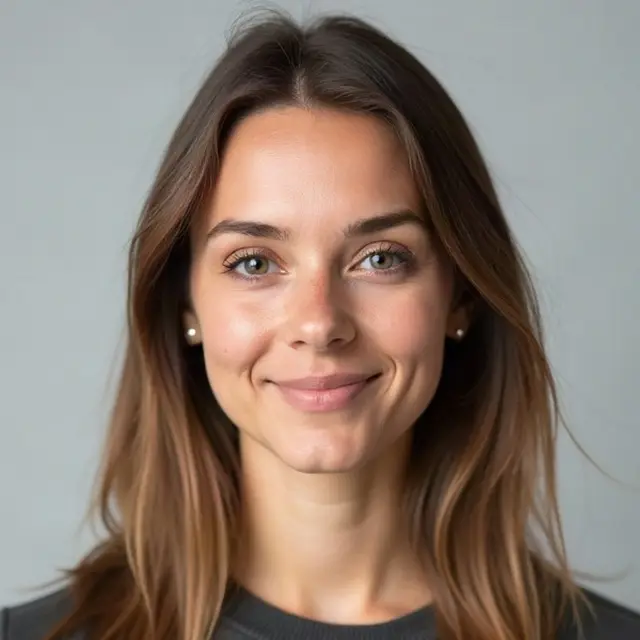
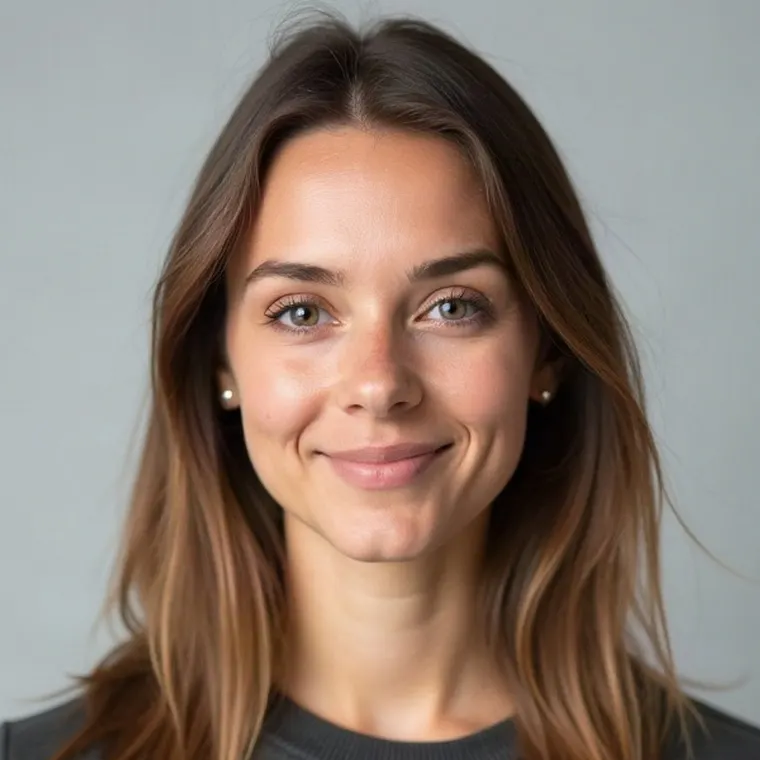
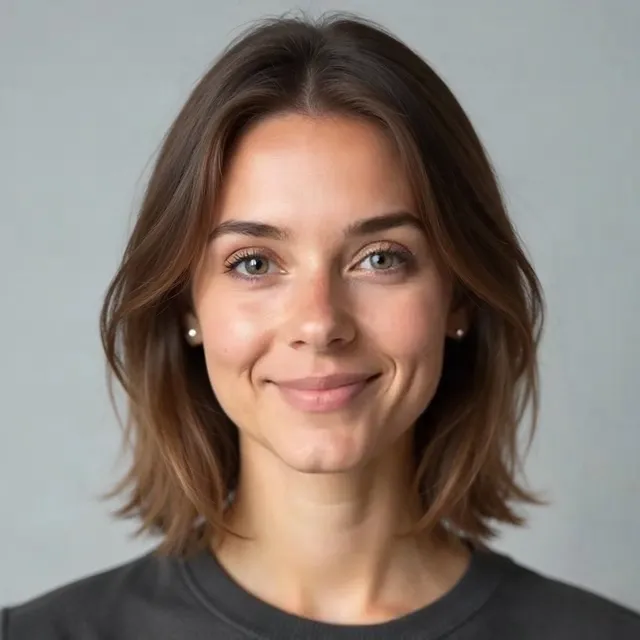
How the AI hairstyle changer works
Add one front-facing photo, or take a guided selfie. The page finds 478 points on your face on your own device and measures its length, forehead and jaw, which decide your face shape. Nothing is uploaded for this part.
From those numbers it ranks the six haircuts of the set you choose, best first, and says in one sentence what each cut does for your face: adds width where your face is narrow, softens a wide jaw, or simply keeps your outline as it is.
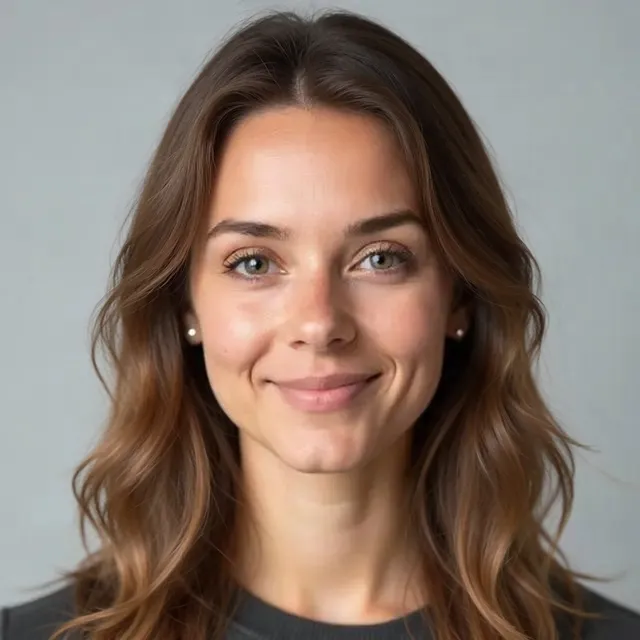
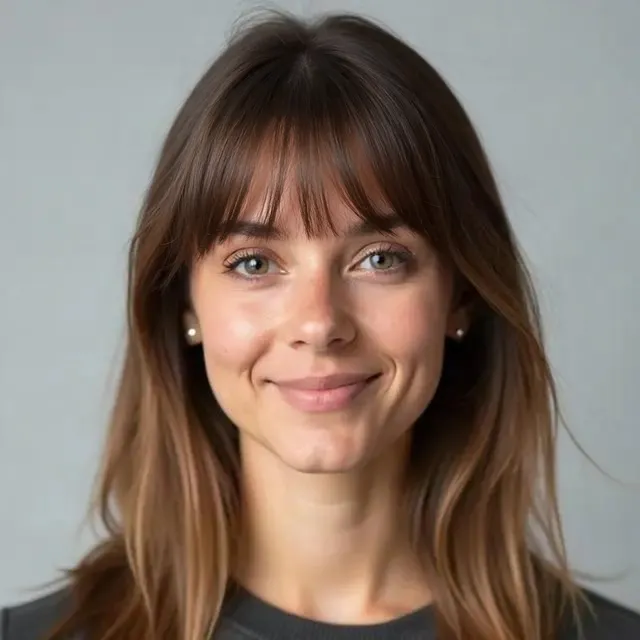
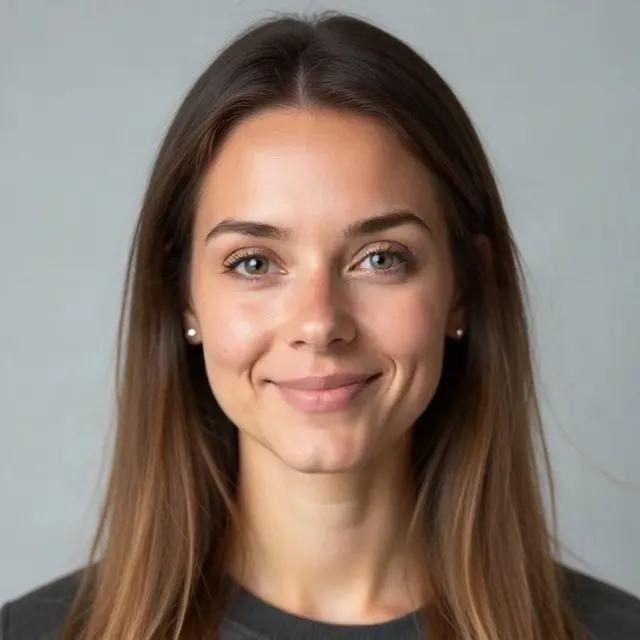
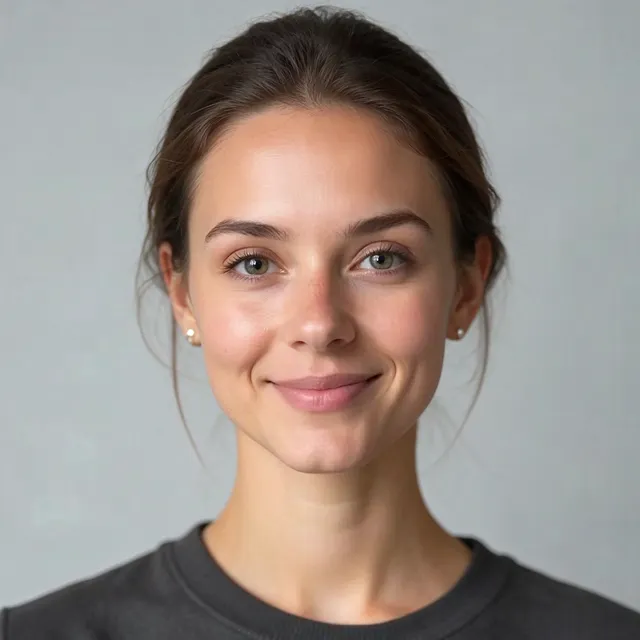
Pick any cut and the AI draws it on your photo. The face, the background and your clothes are left as they are; only the hair changes. Small details can still shift a little, as with any AI picture.
Try on hairstyles before you cut
A haircut is hard to undo, and a picture of someone else with the cut says little about how it sits on your face. Seeing the cut on your own photo, next to the others, makes the choice easier, and the picture is something to show your hairdresser.
The ranking is a starting point, not a rule: a cut lower on the list can still be the one you like. That is why every cut has its own button.
Women’s and men’s haircuts
Choose the set of haircuts before you add your photo, and switch at any time: the ranking is worked out again for the other set.
- Women’s cuts: short and neat, medium with layers, long and straight, soft waves, with a fringe, swept back.
- Men’s cuts: short and neat, swept back, side part, textured crop, middle part, buzz cut with a fade.
Your photo
Measuring your face shape happens on your device. Your photo is uploaded only when you make an AI picture, and only to make it; the copy sent for it is deleted once the picture is made. The photo stays in this browser for up to a day, so the page can carry on after you sign in. If your account has never had any AI images besides the free one, a picture made with that free image is kept for one day, so save it. AI pictures are for adults: you are asked your birth year once, and only “adult: yes” is saved, never the year. The privacy page has the details.